

Google Wallet Update: How to Save Your Aadhaar Card in 6 Steps
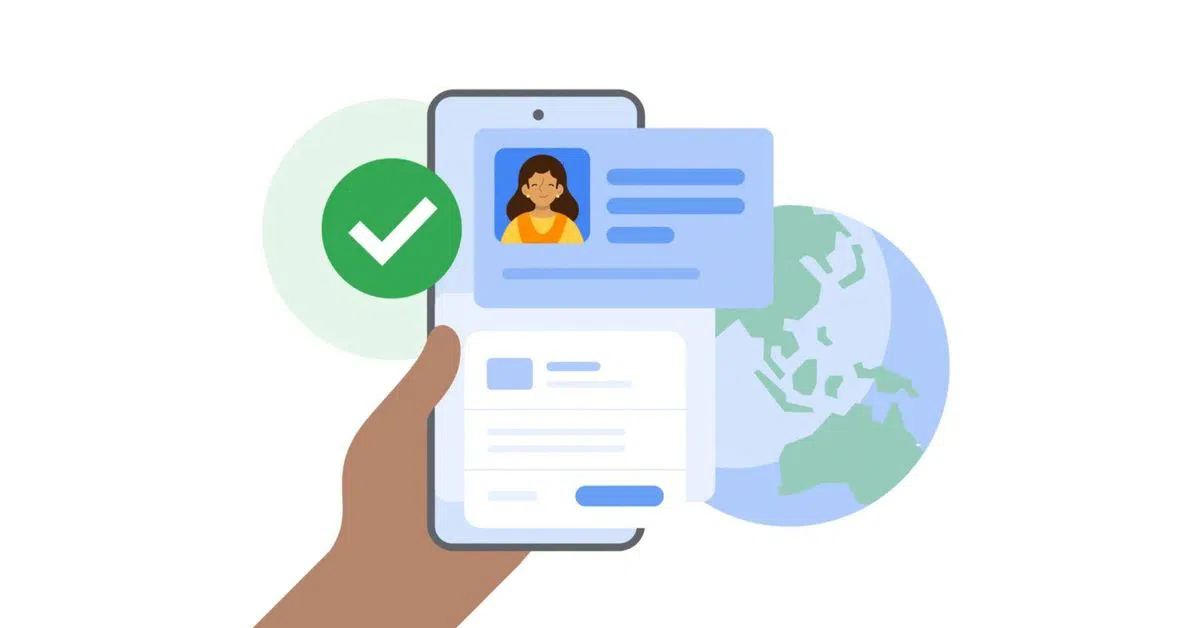
Now your phone can hold your ID just like a real wallet. Specifically, Google and the UIDAI have joined forces to put Aadhaar on Android phones. Indeed, this new tool lets you keep a safe copy of your ID in the Google Wallet app. Therefore, you can leave your physical card at home from now on. In fact, Google launched this today to make life easier for all Indians. Simple as that.
Add rightsofemployees.com as a Preferred Source




━━━━━━━━━━━━━━━━━━━━━━━━━━━━━━━━━━━━━━━━━━━━
Digital Aadhaar on Google Wallet: Key Features
Now you can see how this digital ID differs from a simple photo or a PDF. Actually, Google Wallet uses “verifiable credentials” to make your data much more secure. In fact, here is the data on how you can use this new feature.
| Partner | Use Case | The Help |
| PVR INOX | Movie Bookings | Fast Age Check |
| Bharat Matrimony | Profile Matching | Real Matches |
| Atlys | Visa Applications | Fast Form Filling |
| MyGate | Staff Security | Secure Entry |
━━━━━━━━━━━━━━━━━━━━━━━━━━━━━━━━━━━━━━━━━━━━
1. Selective Sharing: The New Privacy Rule
Now the most impressive part of this update is a tool called “Selective Disclosure.” Actually, it ensures that you only share the specific data a shop needs to see.
Privacy by Design
First, imagine you only need to prove you are over 18 at a movie hall. Next, Google Wallet will confirm your age without showing your full ID digits or home address. Thus, you keep total control over your private data during every check. Furthermore, this system follows strict global safety rules for digital IDs. Specifically, your data remains locked and stays only on your local device. Therefore, Google does not store your sensitive ID details on its own cloud servers. Period.
2. How to Set It Up in 6 Easy Steps
Now you can set up your digital ID in just a few minutes. Actually, the process is very simple if you have your linked mobile phone nearby.
The Setup Guide
First, make sure your Google Wallet app is new. Next, open the app and tap the “+” or “Add” button on the screen. Thus, you can pick the “Aadhaar” option from the list you see. Additionally, the app will connect you to the official UIDAI site to prove it is you. Moreover, you must enter the OTP sent to your registered mobile phone to verify your identity. Consequently, your digital ID will appear in your wallet once you finish the biometric lock step. Period.
3. Using Your Digital ID Online and Offline
Now this digital version of your ID works in almost every place where you use a physical card. Actually, it makes checks much faster for both users and staff.
Wider Access
First, you can use Google Wallet to fill out complex forms like visa apps with one tap. Next, partners like Snabbit and MyGate will soon use this to verify delivery staff. Thus, workers can prove who they are safely without giving away a physical card. Additionally, the app asks for your thumbprint or face scan before showing any details. Moreover, this ensures that even if you lose your phone, your identity stays locked and safe. Consequently, this move marks a huge step toward a paperless India in 2026.
Frequently Asked Questions
Q: Is the digital Aadhaar in Google Wallet valid for travel?
Now, yes. Most domestic airports and trains recognize these digital IDs. Thus, it is a safe and legal way to prove who you are.
Q: Can Google see my private ID digits?
Actually, no. Google uses an encrypted format where the data stays only on your phone. Therefore, the company does not have access to your private info.
Q: What if I lose my phone?
Actually, your digital ID is safe behind your phone’s biometric lock. Therefore, no one can open your wallet without your fingerprint or face scan.
Q: Does this work on iPhones?
Since this is a Google Wallet tool, it currently targets Android users. Therefore, iPhone users should keep using the official mAadhaar app for now.
The Bottom Line
Now the Google Wallet Aadhaar Launch of 2026 is a major win for digital ease. While physical cards can be lost or stolen, your digital ID stays secure behind your phone’s lock.
Overall, the goal is to make identity checks fast, private, and entirely smooth. Therefore, take a moment today to update your app and add your ID pass. Thus, you can walk into theaters or cross-gate security with just a single tap. Meanwhile, keep checking our blog for the latest tech news! Lastly, we hope this makes your daily life much easier!
Leave the card. Take the phone. Period.

Recent Posts
- Paytm Crisis: RBI Cancels Payments Bank Licence, Orders Winding Up
- 8th Pay Commission: Teachers Demand ₹50k Minimum Pay & 36% HRA
- AAP Crisis: Raghav Chadha & 6 Rajya Sabha MPs Join BJP in 2026
- Apple Announces New CEO: John Ternus to Succeed Tim Cook in 2026
- France Abolishes Transit Visa for Indian Passport Holders
Add rightsofemployees.com as a Preferred Source




