

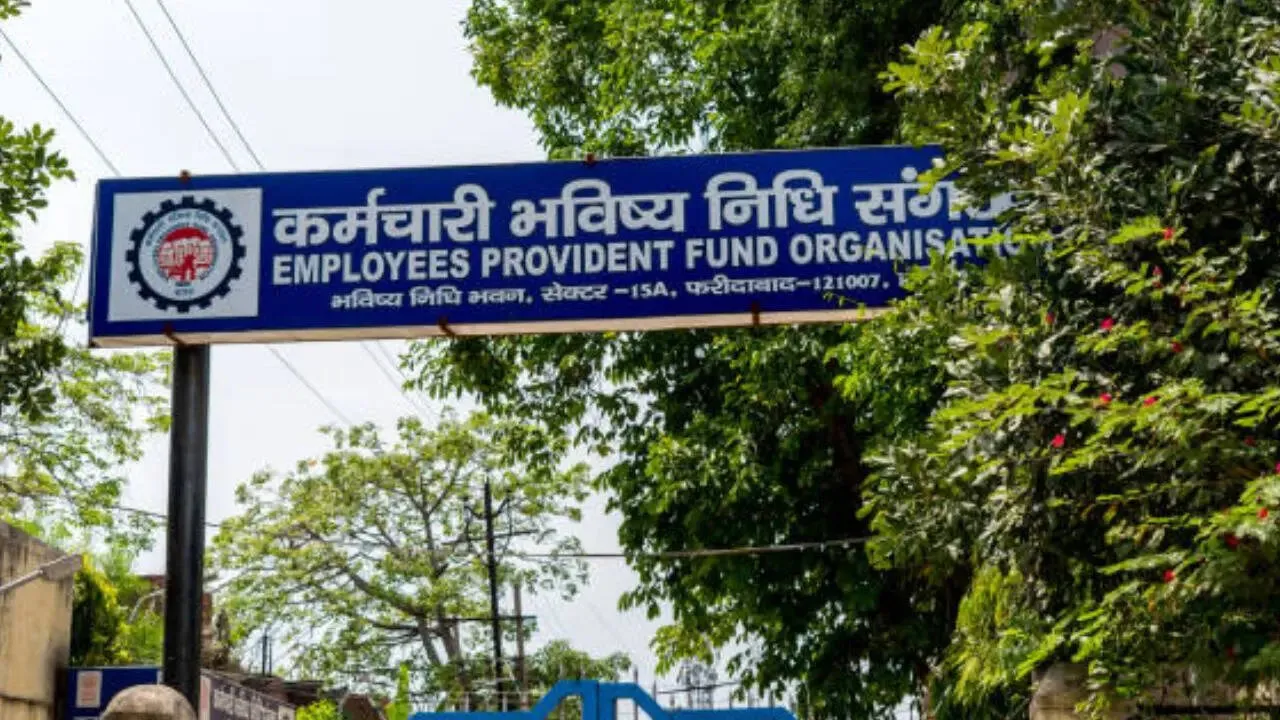
EPFO Rule Change: EPFO has now simplified the process of creating and activating Universal Account Number and has made Aadhaar based face authentication mandatory to generate it, which will be done through Umang App.
The Employees Provident Fund Organization (EPFO) has made it mandatory for its members to activate the Universal Account Number (UAN) through the Umang mobile app. This is going to start from August 7. The EPFO has clearly stated that now UAN can be activated only through the Umang app through Aadhaar Face Authentication and services may be discontinued for members who do not do so.
Add rightsofemployees.com as a Preferred Source




It is possible to create UAN through Umang app.
EPFO has made a big change in its rules (EPFO Rule Change). On July 30, a circular was issued and an update was given regarding this. According to this, now it is mandatory for the members to generate their UAN through Aadhaar based face authentication. However, in some special cases (such as for international employees) the old method of generating Universal Account Number by the employer will also be valid. At the same time, all other new UANs will be generated only through Aadhaar Face Authentication technology. For this, the entire process will be done through UMANG app and there will be no need to contact the employer.
The biggest advantage of the new rule of EPFO is that employees will now be able to generate and activate UAN themselves. For this, they just have to download UMANG App and Aadhaar Face RD App from their mobile’s Play Store. After its activation, users can also download the digital copy of E_UAN card from here and share it with the employer to connect directly with EPFO.
To generate UAN using the new technology, the user must have a valid Aadhaar card number and a mobile number registered with it. Apart from this, Aadhaar Face RD App is also available for facial scanning.
Once these are ready, the process can be completed in a few minutes using your phone.
You can create your UAN in minutes like this
- First of all open Umang App in your mobile phone and go to EPFO.
- Now select UAN allotment and activation.
- Enter Aadhaar number and registered mobile number here and click on the box for Aadhaar verification.
- Click on ‘Send OTP’ and complete the verification through the OTP received on your mobile.
- Now you have to complete face authentication, for this install Aadhaar Face ID App.
- If the system does not find the existing UAN, then a new UAN will be created.
- After verification, your UAN and a temporary password will be sent via SMS.
- This is for both first time UAN card users and existing users who are not activated.
Why was this change made?
Now let us tell you why EPFO has made this new change? So the new method uses Face Authentication Technology (FAT), which makes the process of UAN activation simpler and more secure than before, because in this the complete information of the user comes directly from the Aadhaar database and the need to enter personal details manually is eliminated.
Till now, many employees have been directly dependent on the employer for their UAN setup and its activation. Due to this, problems like delay, incorrect information and lack of access of members to EPFO benefits were seen, the scope of this will end with the new method. However, the old process has been continued for international employees, citizens of Nepal or Bhutan.
Add rightsofemployees.com as a Preferred Source




