

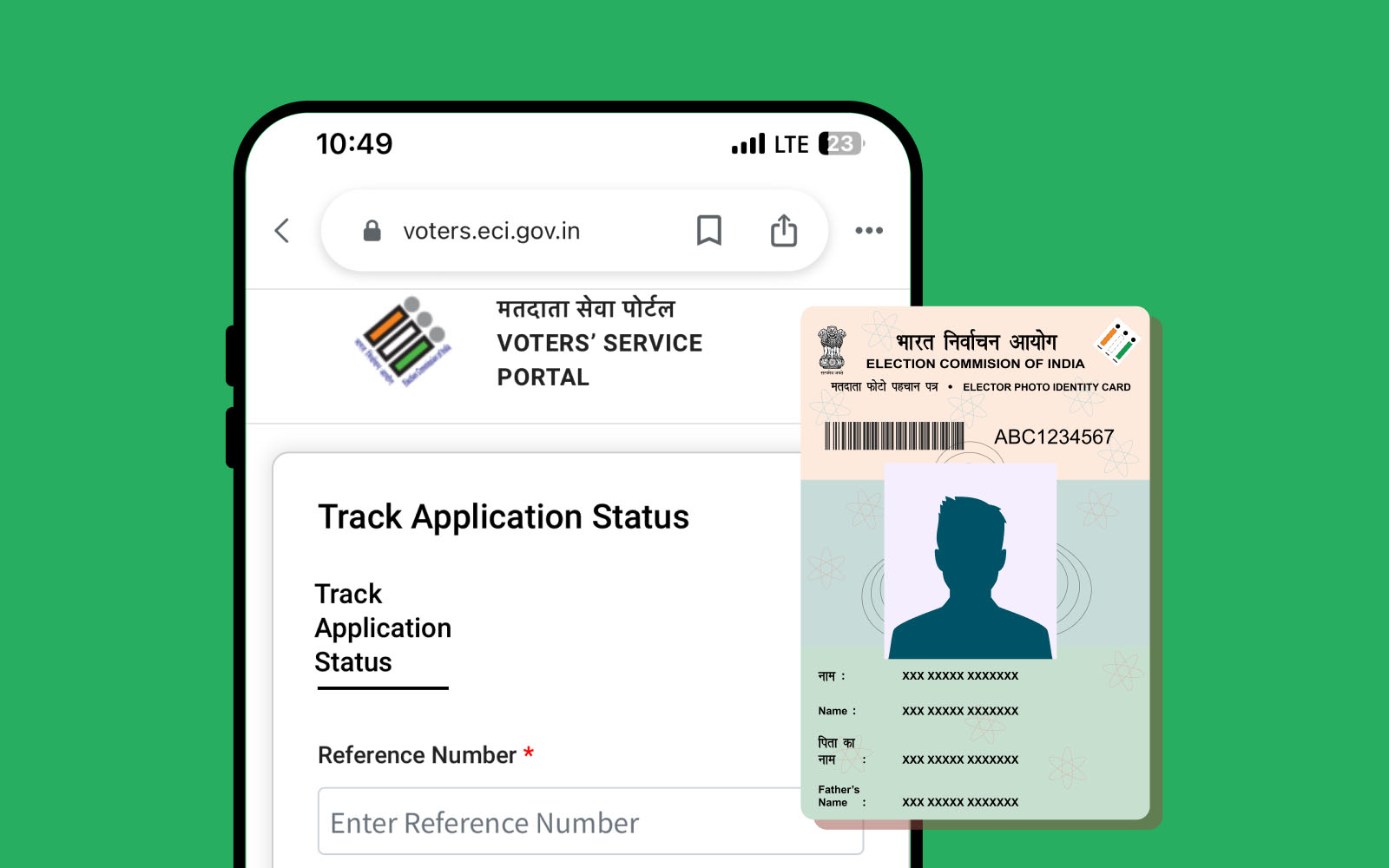
Do you want to vote in the next election? Specifically, you must ensure your name is on the official voter list. Therefore, the Election Commission offers simple ways to check your status online. You can use your phone or a computer to find your details.
Add rightsofemployees.com as a Preferred Source




How to Search Your Name Online
First, visit the official Voters’ Service Portal at voters.eci.gov.in. Specifically, click on the tab that says ‘Search in Electoral Roll.’ Then, you can pick one of three search options. Actually, you can search by your personal details or your EPIC number. Finally, enter the captcha code and click search to see your data.
Search Your Name via SMS
First, you can check your status even without a smart phone. Specifically, type a new message on your mobile phone. Then, type ECI followed by a space and your EPIC number. Actually, send this text message to the number 1950. Therefore, you will get an instant reply with your voter booth details.
Use the ECI Helpline 1950
First, you can talk to a real person for help. Specifically, dial the toll-free number 1950 from any phone. Then, follow the voice prompts to pick your preferred language. Actually, the agent can tell you if your name is on the list. Therefore, keep your old Voter ID card handy when you call.
Why Checking Your Name is Vital
First, possessing a Voter ID card is not enough to vote. Specifically, your name must appear in the current year’s voter list. Then, checking early helps you find spelling errors or wrong addresses. Actually, the ECI updates these lists every year in January. Therefore, a quick check saves you from a last-minute rush at the booth.
When to Update Your Voter Details
First, you should update your ID if you move to a new house. Specifically, women should update their details after marriage or a name change. Then, fix any errors in your father’s name or your birth date. Actually, you can use Form 8 online to make these changes. Therefore, your digital e-EPIC will always have the most recent data.
Three Ways to Find Your Voter ID
| Search Method | What You Need | Best For |
| Online Portal | Name or EPIC Number | Getting a Digital Copy |
| SMS Service | EPIC Number Only | A Quick Mobile Check |
| Helpline 1950 | Reference Number | Getting Voice Help |
Reality Check
Reality Check: Many people think a valid ID card guarantees a vote. Still, if your name is missing from the roll, you cannot vote. In fact, names can be deleted if you move without telling the ECI. Therefore, you should check your name at least three months before any election. Recently, the ECI added a “Special Intensive Revision” to clean the lists. Now, it is even more vital to verify your status.
The Loopholes
The Loopholes: You can search by “Details” even if you lost your EPIC number. Actually, use your name and date of birth on the portal. In fact, the system can match your data across the whole state. Therefore, do not worry if you cannot find your physical card right now.
What This Means for You
Recently, the ECI made it possible to download a digital e-EPIC card. Now, you can carry your Voter ID on your phone easily. First, log into the NVSP portal to see your status. Then, verify that your mobile number is linked to your ID. Next, tell your family members to check their names as well. Indeed, a correct voter list is the first step for a strong democracy.

Next Steps
Download the ‘Voter Helpline’ app on your phone for easy access. Then, read our guide on how to link your Aadhaar with your Voter ID. Would you like me to find the link for the official Form 8 correction page?
LATEST :-
Add rightsofemployees.com as a Preferred Source




