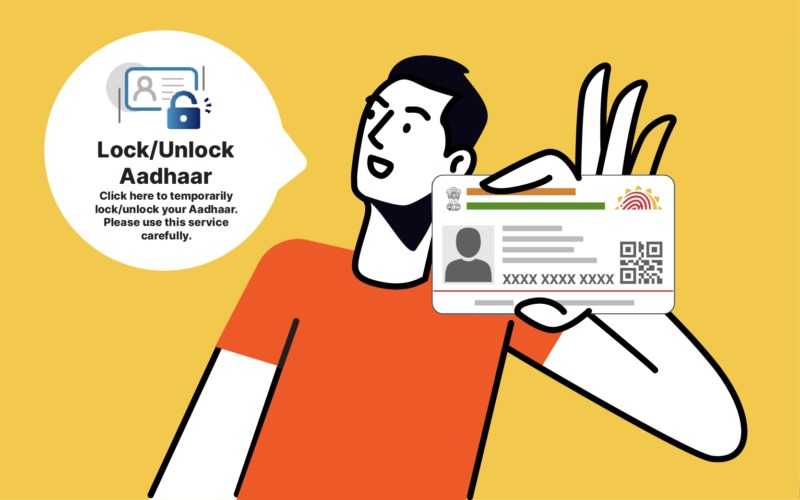
In response to increasing digital fraud, the Unique Identification Authority of India (UIDAI) provides a “Lock/Unlock” feature. This acts as an “ON/OFF” switch for your fingerprints, iris scans, and face authentication, ensuring that even if someone has your Aadhaar number, they cannot perform unauthorized biometric transactions.
Add rightsofemployees.com as a Preferred Source


Also Read | How to change your mobile number on your driving licence online? See the complete…
1. Biometric Lock vs. UID Lock
It is important to distinguish between these two features available on the myAadhaar portal:
| Feature | What it Locks | What still works? |
| Biometric Lock | Fingerprints, Iris, and Face data. | OTP-based authentication and demographic verification. |
| UID (Aadhaar) Lock | The entire Aadhaar number. | Nothing. You must use a 16-digit Virtual ID (VID) for all services. |
Also Read | How to change your mobile number on your driving licence online? See the complete…
2. How to Lock Your Biometrics (Step-by-Step)
You can do this for free via the official UIDAI portal or the mAadhaar app.
-
Visit the Portal: Go to the myAadhaar official website or open the mAadhaar app.
-
Login: Enter your 12-digit Aadhaar number and the Captcha code.
-
OTP Verification: Click “Send OTP.” Enter the 6-digit code received on your registered mobile number.
-
Select Feature: Locate and click on “Lock/Unlock Biometrics” under the Services tab.
-
Enable Lock: Read the terms, tick the consent box, and click “Lock.” Your biometrics are now instantly disabled for all global authentication.
Also Read | How to change your mobile number on your driving licence online? See the complete…
3. How to Unlock (Temporary vs. Permanent)
If you need to visit a bank or get a new SIM card, you must unlock your data:
-
Temporary Unlock (Recommended): This opens a 10-minute window for you to complete your biometric scan. After 10 minutes, the system automatically re-locks your data for maximum security.
-
Permanent Unlock (Disable): This removes the lock entirely until you choose to enable it again manually.
4. Why You Should Use This Feature
-
Prevents AEB Fraud: Stops unauthorized cash withdrawals via the Aadhaar Enabled Payment System (AePS).
-
eKYC Protection: Prevents someone from using your identity to open fake bank accounts or buy untraceable SIM cards.
-
Identity Ownership: Ensures that your most sensitive biological data is only “active” when you explicitly intend to use it.


Also Read | How to change your mobile number on your driving licence online? See the complete…
Add rightsofemployees.com as a Preferred Source