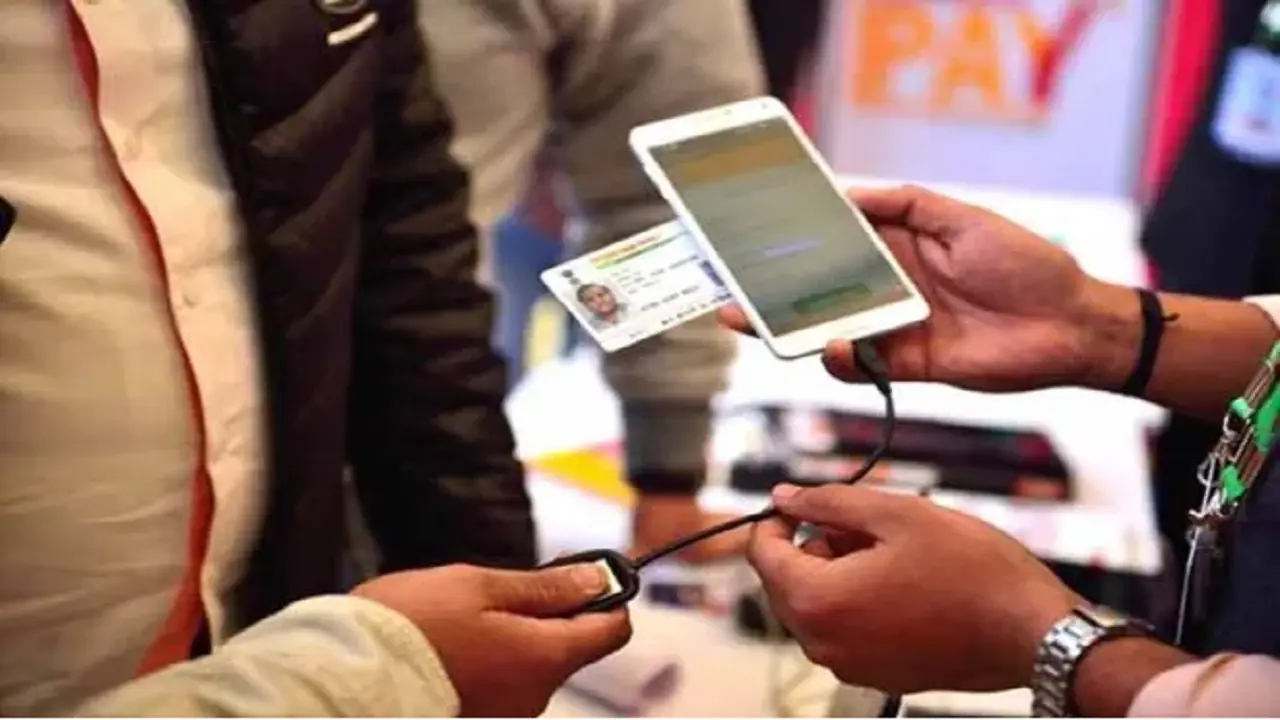
Aadhaar Photo Update Procedure: Aadhaar card is an important document for many government services, which works as a proof of address and identity along with the photo. You can update Aadhaar information including photo at any time.
Let us know how to update the photo of Aadhaar card immediately with these tips.
Add rightsofemployees.com as a Preferred Source


Aadhaar card is one of the most important documents of our identity and address. Its use is necessary in many government services. The photo in it also matters for identification. But due to many reasons, problems are faced regarding the photo printed on Aadhaar and if the photo on the Aadhaar card is not clear or you do not like it, then there is no need to worry. You can easily update it. This is the reason why UIDAI has made the process of changing the photo easy and cheap. You can get a new, clear photo updated by paying just a small fee.
However, keep in mind that the facility to change the photo of the Aadhaar card is not available online. For this, you will have to go to the nearest Aadhaar Enrollment/Correction Center, where your new photo will be taken. And after this it will be uploaded on the site. Let us know some important things for this.
Here is the complete information about changing the photo in the Aadhar card:-
Fee: There is a fee of only Rs 100 for changing the photo in the Aadhaar card.
Required documents: No extra documents are required to change the photo. Just go to a government Aadhaar center with your Aadhaar card.
How to change photo
Go to the nearest Aadhaar Enrollment/Permanent Center. Fill the enrollment form, which you can easily get online or from the center. After this, submit the form. The executive present there will take your new photo. Get the photo updated by paying a fee of Rs 100.
How to download Aadhaar with new photo?
Go to the official website of UIDAI. After this, click on Download Aadhaar in the My Aadhaar section. Then you can download e-Aadhaar from Aadhaar Number / Enrolment ID / Virtual ID. After filling the details, enter CAPTCHA and verify with OTP. In this way the e-Aadhaar PDF file will be downloaded.
What will the password be?
For password enter first 4 CAPITAL letters of your name + year of birth (YYYY).
How much time does it take?
It usually takes 30 days for the photo to be updated, but in some cases it can take up to 90 days. Once updated, you can download the new e-Aadhaar from the UIDAI website or the mAadhaar app.
Why change the photo?
If the photo on the Aadhaar card is blurry, old or unrecognizable, then there can be problems in bank, airport and government work. Spending just Rs 100 and getting a new, clear and fresh photo is a better option.
Add rightsofemployees.com as a Preferred Source