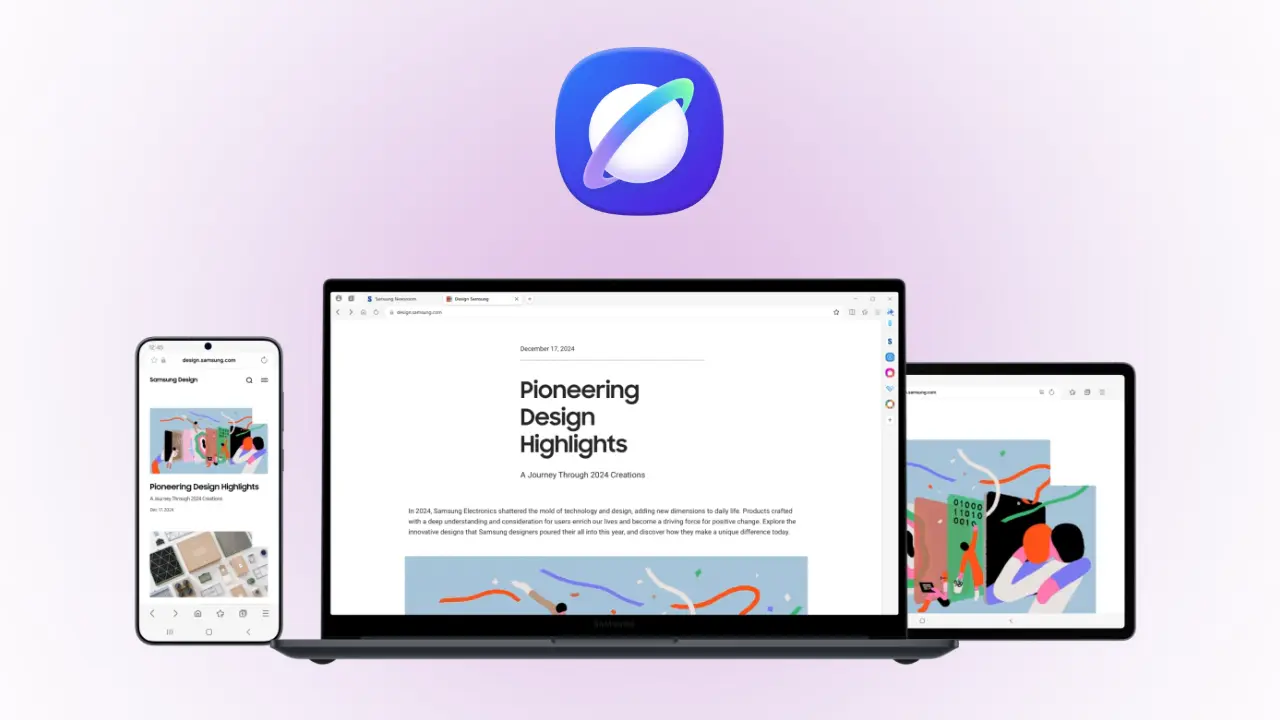
Samsung Takes Its Browser to Windows with New Agentic AI
Now Samsung has officially launched its popular Samsung Browser for Windows. Specifically, this move brings the mobile browsing experience to your PC. In fact, the browser now features powerful Agentic AI tools to help you work faster. Therefore, you can now enjoy a smooth flow between your Galaxy phone and your computer. Simple as that.
Add rightsofemployees.com as a Preferred Source


━━━━━━━━━━━━━━━━━━━━━━━━━━━━━━━━━━━━━━━
\At a Glance: What’s New?
-
Windows Support: Works on Windows 10 and 11.
-
Agentic AI: Powered by a partnership with Perplexity.
-
Video Search: Find specific moments in videos instantly.
-
Samsung Pass: Securely sync your logins across all devices. ━━━━━━━━━━━━━━━━━━━━━━━━━━━━━━━━━━━━━━━
Browse Seamlessly from Mobile to PC
Now you no longer have to email links to yourself. Indeed, Samsung Browser for Windows bridges the gap between your mobile and your desktop.
Sync Your Life First, sign in to your Samsung Account on both devices. Next, the browser will sync your history and bookmarks automatically. Thus, you can pick up exactly where you left off on any webpage. Furthermore, Samsung Pass handles your passwords and forms with high security. Therefore, switching between your phone and Galaxy Book feels like using one single device. Period.
A Smarter Web with Agentic AI
Now Samsung is introducing a built-in AI assistant. Actually, this “Agentic AI” does much more than just answer basic questions.
What the AI Can Do First, it understands the full context of the page you are reading. Next, it can create complex travel plans based on your open tabs. Thus, you can plan a trip to Seoul without doing the heavy lifting yourself. In addition, the AI can summarize information across many tabs at once. Overall, this helps you find the best insights without clicking through every link.
Faster Search and Smarter History
Now finding old information is much faster thanks to natural language search. In fact, you don’t even need to remember exact keywords anymore.
Search Like a Pro First, ask the browser to find a specific item from your history in plain English. Next, use the AI to search inside video content. Thus, the browser can jump to the exact moment you need in a clip. Moving forward, this saves you from sifting through hours of footage or thousands of links. Consequently, you stay more productive throughout your workday.
Availability and Requirements
Now this new browser is ready for download in specific markets. Specifically, users in South Korea and the United States can access the AI features first.
Technical Rules First, you need a PC running Windows 10 or Windows 11. Next, ensure you have the latest Samsung Account app installed. Thus, you can unlock the full “Samsung Continuity” features. Furthermore, Samsung plans to expand these AI tools to more countries very soon. Therefore, keep your browser updated to the latest version to see these new upgrades.
Frequently Asked Questions
Q: Does it work on non-Samsung PCs? Now, you can install it on any Windows 10 or 11 PC. Thus, you don’t strictly need a Galaxy Book to use the basic browser.
Q: Is the AI feature free? Actually, the AI tools are currently part of the standard browser update. Therefore, you just need a network connection and a Samsung Account.
Q: Can I sync my Chrome history? Since this is a Samsung ecosystem tool, it focuses on syncing with your Samsung mobile browser. Thus, it is perfect for Galaxy users.
Q: Is my data safe with the AI? Actually, Samsung uses secure encryption for your Pass data and history. Therefore, your personal information stays protected while the AI helps you.
The Bottom Line
Now the Samsung Browser for Windows is a major win for Galaxy fans. While other browsers are basic, this one uses Agentic AI to truly understand your needs.
Overall, the link between your phone and PC is now stronger than ever. Therefore, download the new version and try the video search tool today. Thus, you can spend less time searching and more time doing what matters. Meanwhile, keep an eye on the official Samsung newsroom for more AI updates.
Browse smarter. Connect better. Period.
Add rightsofemployees.com as a Preferred Source