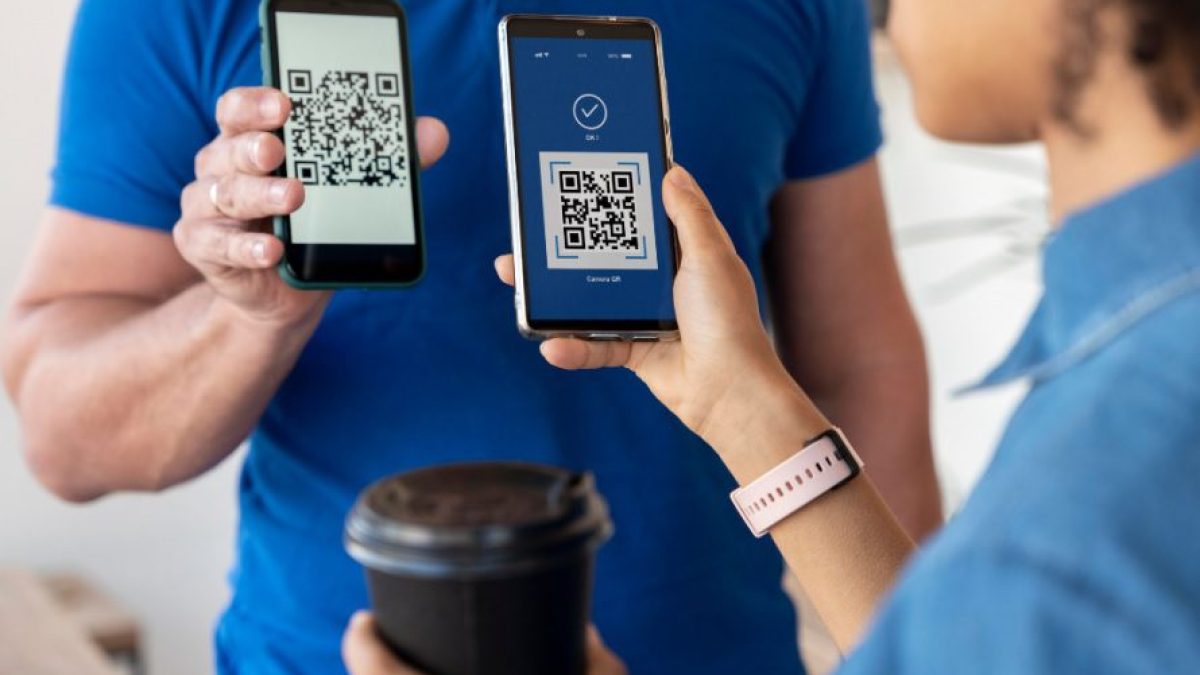
New rules are being implemented in UPI from August 1, 2025. There will now be strict limits on balance checks, autopay timings and transaction status. Know how your daily transactions will be affected.
Add rightsofemployees.com as a Preferred Source


Alert to UPI Users
If you use apps like Paytm, PhonePe and Google Pay, then it is very important for you to know this news. Actually, from August 1, many rules related to UPI are going to change, which is going to bring a big change in the lives of common people. Let’s know about these, due to which UPI is going to become even stronger and reliable.
Rule 1: New limit for balance checking
From August 1, 2025, UPI apps like Google Pay, PhonePe, Paytm etc. will allow only 50 balance checks per app per day. If a user uses two UPI apps like Paytm and PhonePe at the same time, he will be allowed 50-50 balance checks in both the apps, i.e. a total of 100 checks will be possible. But this will be limited for each app.
According to the new policy, these changes will now happen
According to this new policy, UPI Apps will be required to stop balance check API calls during peak hours (10 AM to 1 PM and 5 PM to 9:30 PM). During this time, the bank will have to send automatic balance updates after every transaction on behalf of the users so that users do not have to do “Balance Inquiry” again and again.
Rule 2: AutoPay mandates will now only apply during non‑peak hours
Starting August 1, AutoPay mandates set via UPI, such as OTT subscriptions (Netflix, Amazon Prime), SIP, EMI debit, etc., will now be processed only during non-peak times: before 10 AM, between 1 PM and 5 PM, and after 9:30 PM.
Rule 3: New restrictions on Transaction Status Checks
When a UPI transaction is pending or stuck, the bank or user often keeps checking the transaction status repeatedly. Now as per the rules applicable from August 1: The first transaction status check can be done only when at least 90 seconds have passed after the transaction is authenticated.
View status after 90 seconds
Avoid checking ||status|| repeatedly if the transaction is not visible immediately. If the status is not visible, check again after 90 seconds, and maximum three times. If the status is still not available, contact customer care. Repeated checking may slow down the system.
Add rightsofemployees.com as a Preferred Source