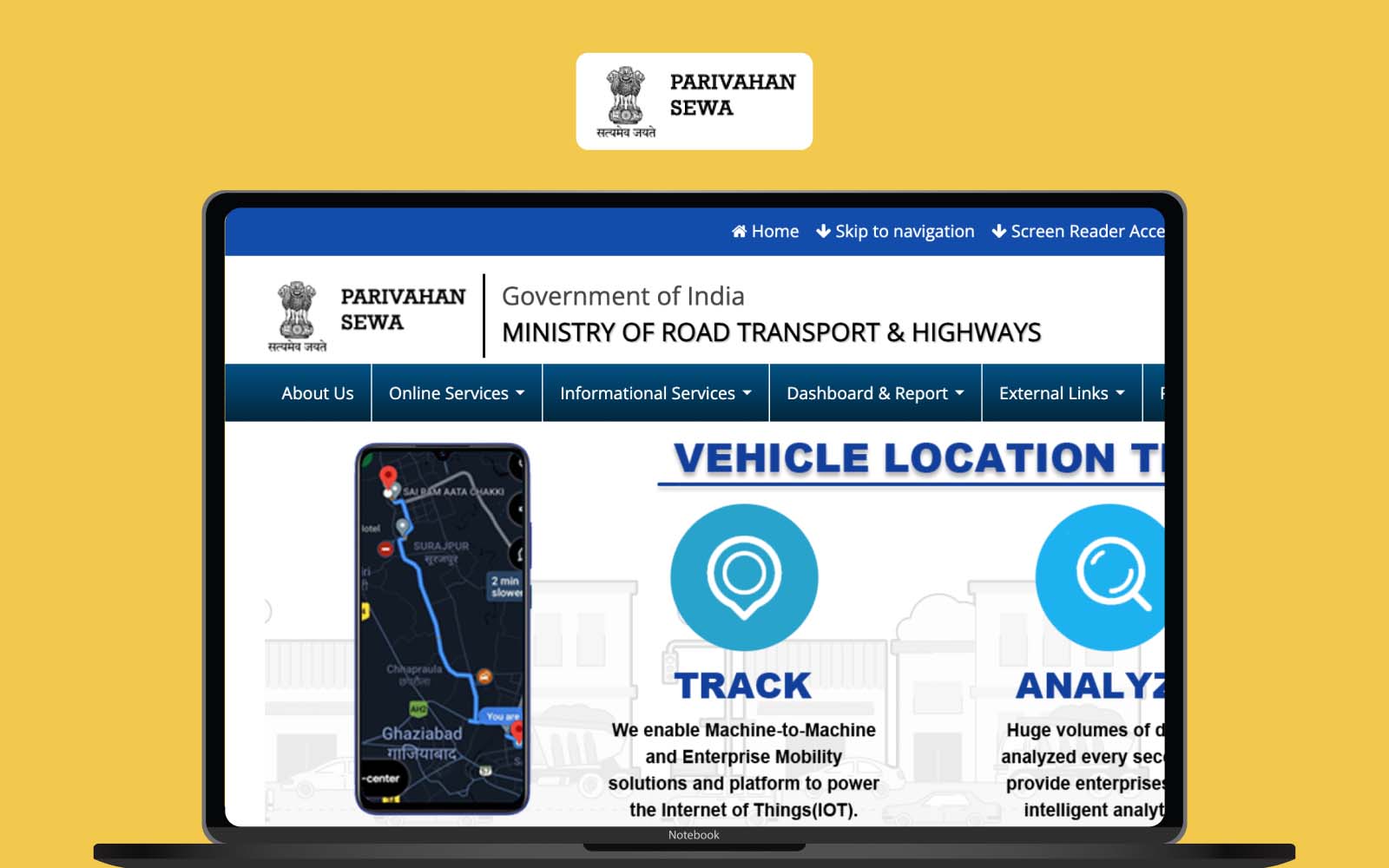
The Ministry of Road Transport and Highways (MoRTH) has issued a nationwide advisory as of January 19, 2026, urging all vehicle owners and driving license (DL) holders to update their registered mobile numbers. With the transport ecosystem moving toward “Faceless Services” in 2026, a correct mobile number is now the primary key for OTP-based authentication, legal notifications, and digital document security.
Add rightsofemployees.com as a Preferred Source


1. Why This Update is Mandatory in 2026
Failing to update your number can lead to severe service disruptions and legal penalties:
-
e-Challan Alerts: Traffic violations are now sent via real-time SMS. Unpaid “Blacklisted” challans can now block your insurance renewal.
-
PUCC 2.0 Notifications: Automated alerts for Pollution Under Control Certificate (PUCC) expiry are sent 7 days in advance.
-
Paperless Services: Renewals for DL and RC (Registration Certificate) are now 100% digital and require OTP verification.
-
The “Vampire” Data Risk: Numbers registered 5–10 years ago are often inactive, preventing you from receiving critical legal notices about vehicle fitness or scrap mandates.
2. How to Update Your Mobile Number (Step-by-Step)
For Vehicle Owners (Vahan Portal – RC Details)
Use this for cars, bikes, SUVs, and commercial vehicles:
-
Visit: vahan.parivahan.gov.in.
-
Select: “Other Services” > “Update Mobile Number”.
-
Enter: Vehicle Registration Number and the last five digits of your Chassis Number.
-
Verification: Enter your new mobile number and verify via the OTP sent to it.
-
Submit: Save the digital acknowledgement for your records.
For License Holders (Sarathi Portal – DL Details)
-
Visit: sarathi.parivahan.gov.in.
-
State Selection: Choose your respective State.
-
Find Service: Select “Update Mobile Number” from the “Other Services” or “Profile” menu.
-
Details: Enter DL Number, Date of Birth, and the new mobile number.
-
Authentication: Complete the Aadhaar-based OTP verification to link your identity securely.
3. Quick Tips for a Hassle-Free Update
-
Aadhaar Linking: Ensure your Aadhaar is already linked with your current mobile number, as most states now use Aadhaar OTP as the “trust anchor” for these updates.
-
Instant Confirmation: In 2026, the update is typically processed instantly. You should receive a confirmation SMS within minutes.
-
Offline Option: If the online portal shows “Data Mismatch,” you must visit your local RTO with original ID proof for a manual update…


Add rightsofemployees.com as a Preferred Source